Turn property photos into a complete listing launch pack.
Drop in your property photos or import them from a Rightmove link, then let Taidy clean distracting clutter, create fact-led property copy, generate a property video and add professional AI narration from one organised workspace.
One-time credit packs · Credits never expire · No recurring subscription
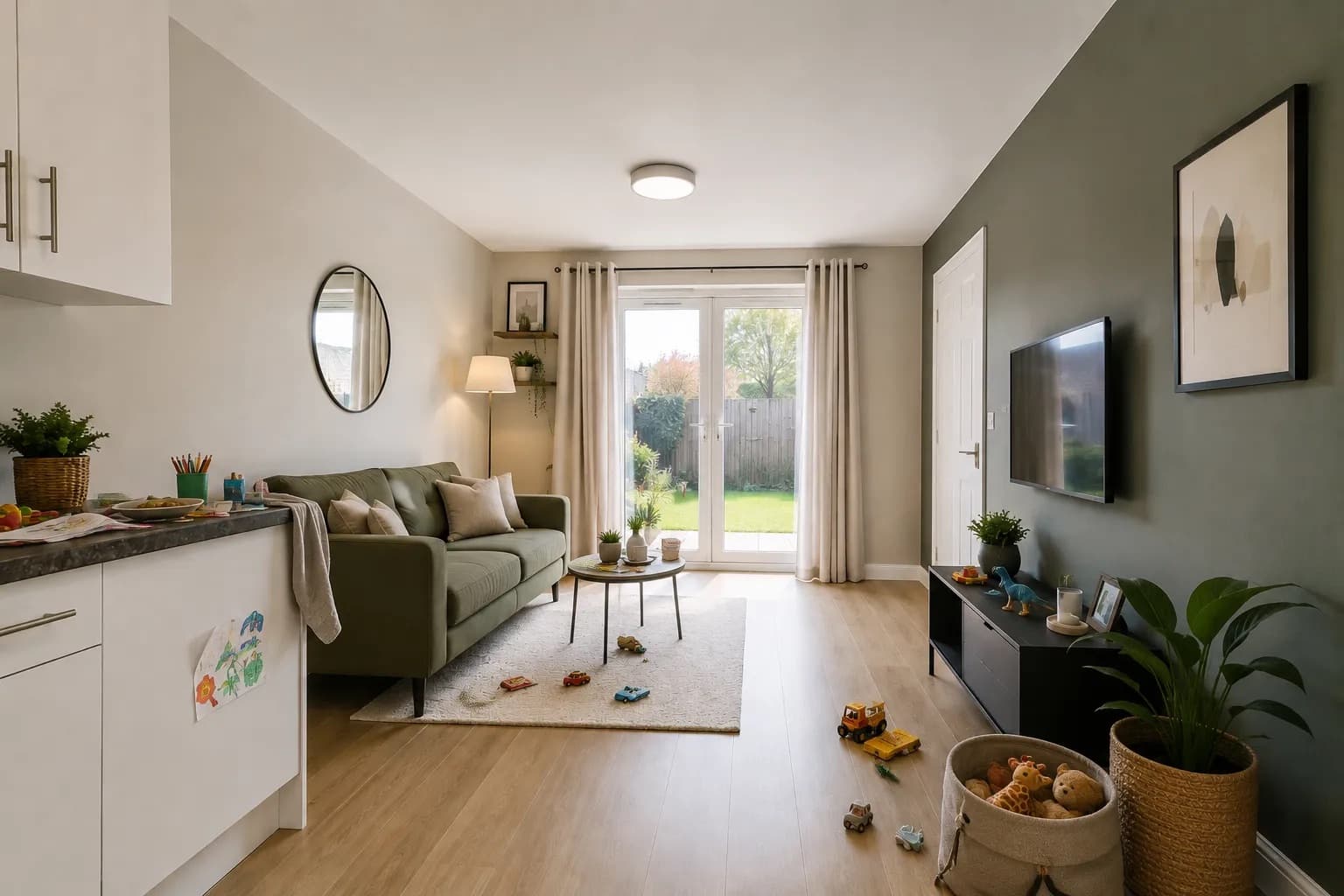
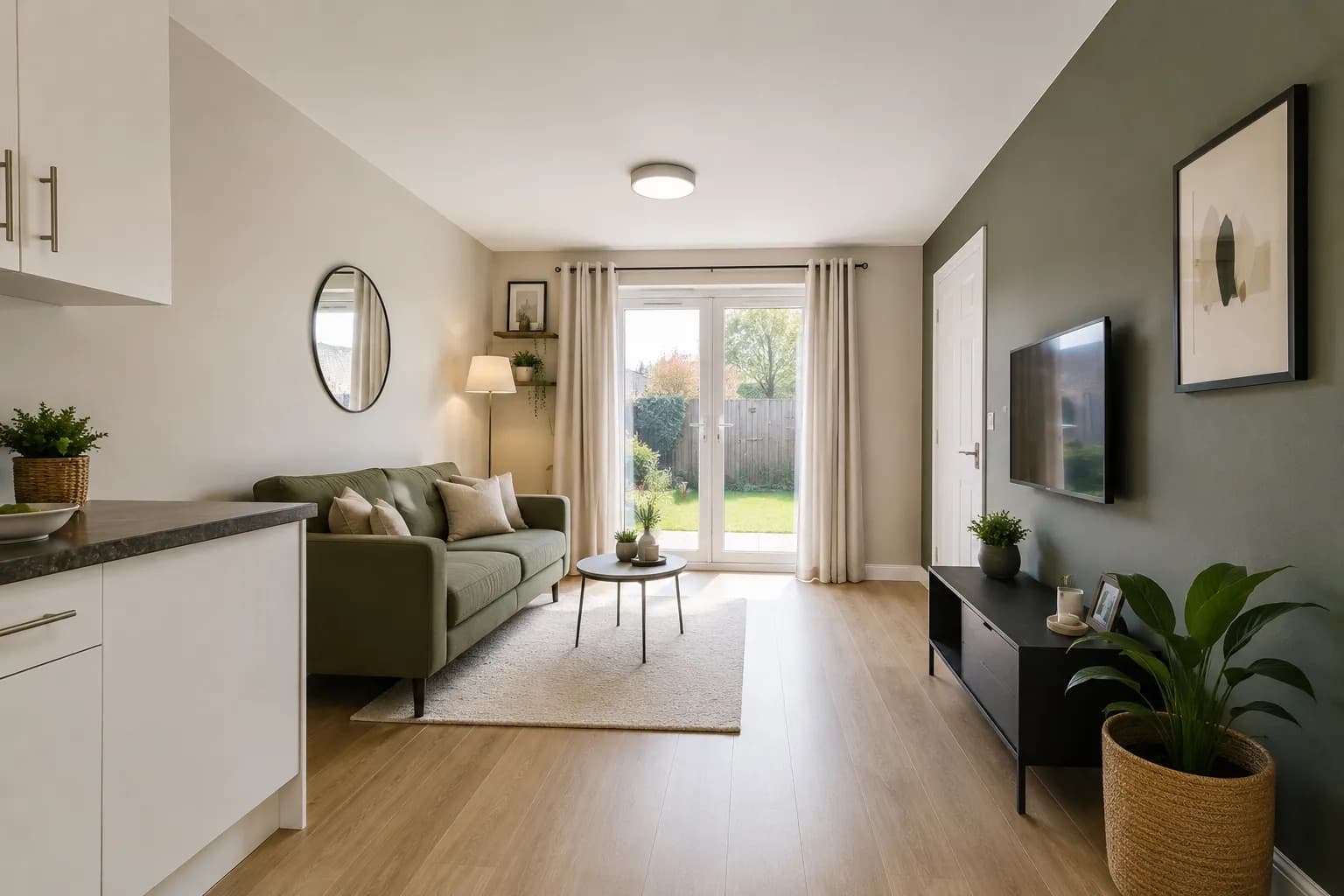
From gallery upload to launch-ready marketing.
Start with one property and move through the same simple sequence every time.
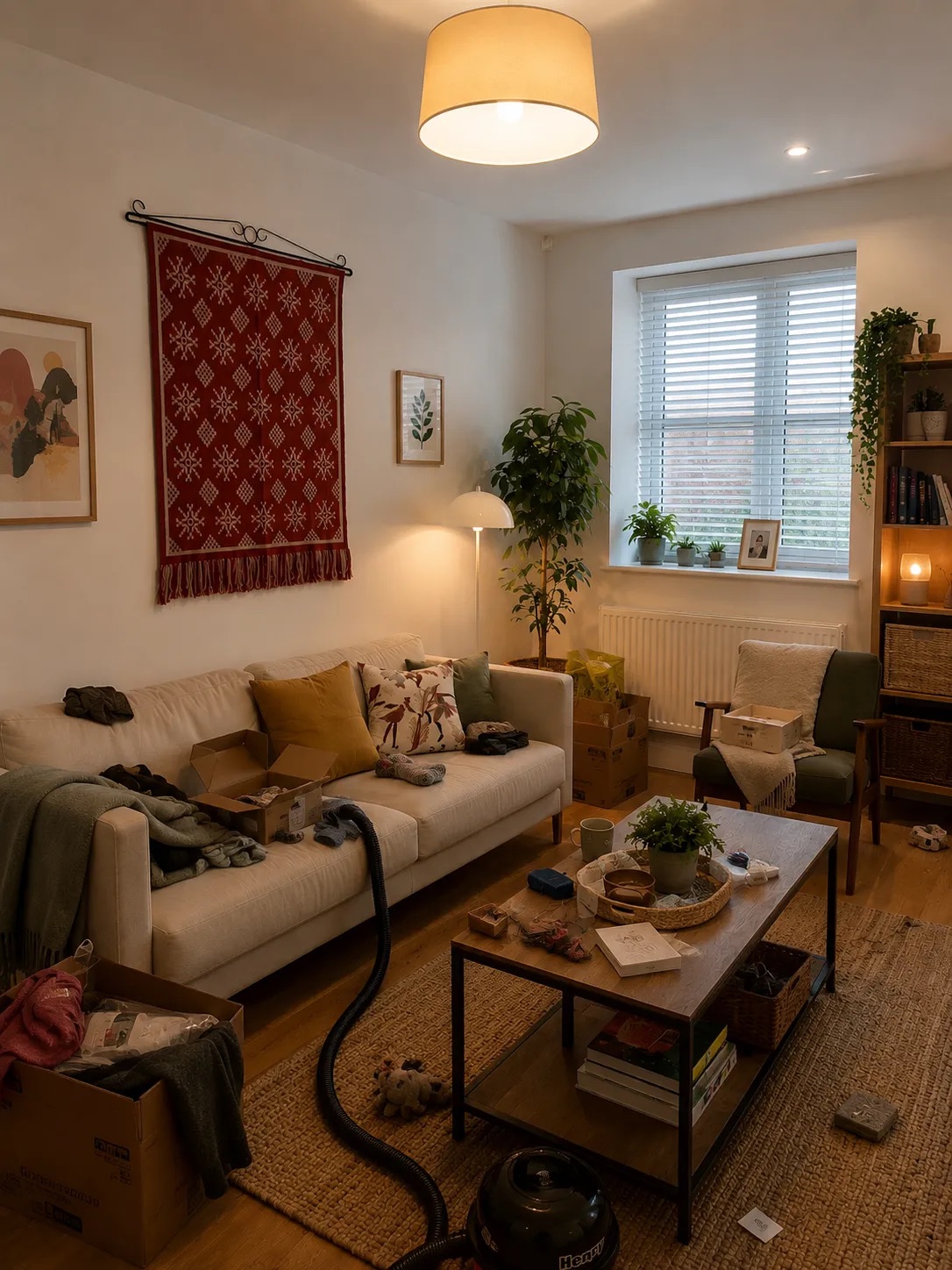
Create the property
Start a dedicated workspace and keep every photograph, result and marketing asset organised under one property.

Upload and prepare
Upload up to 20 property photos or import a gallery from Rightmove, remove distracting temporary clutter and review every result beside the original.
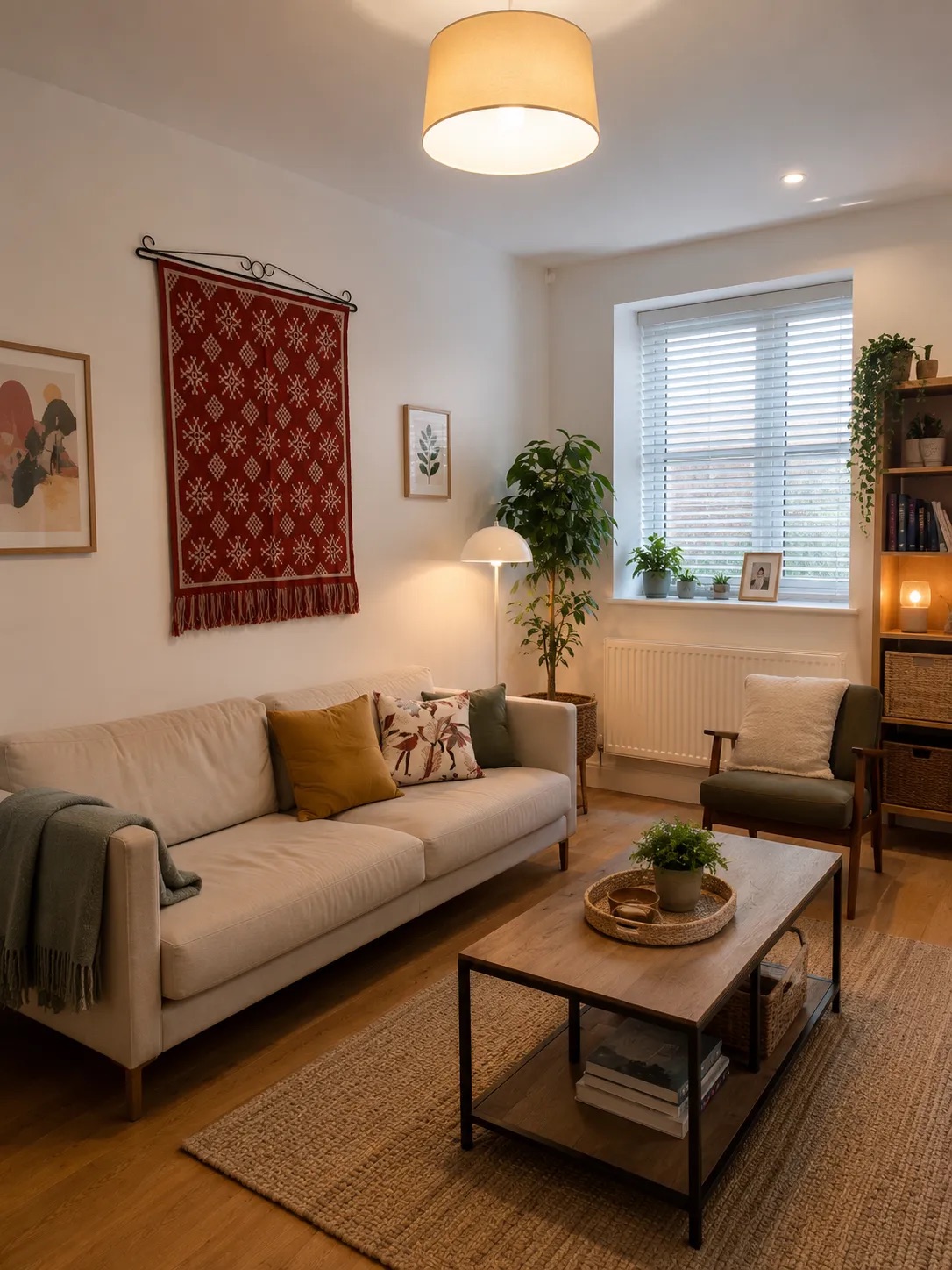
Create the marketing
Use the property facts you provide to generate listing copy, social captions, a property video and professional AI narration.

Review and download
Choose the assets you want to use and download a complete property package ready for listings and social media.
Create every asset needed to market the property.
Taidy keeps imported or uploaded photographs, cleaned images, property details, written content, video and voiceover together. Return to the property at any time without rebuilding the work from scratch.
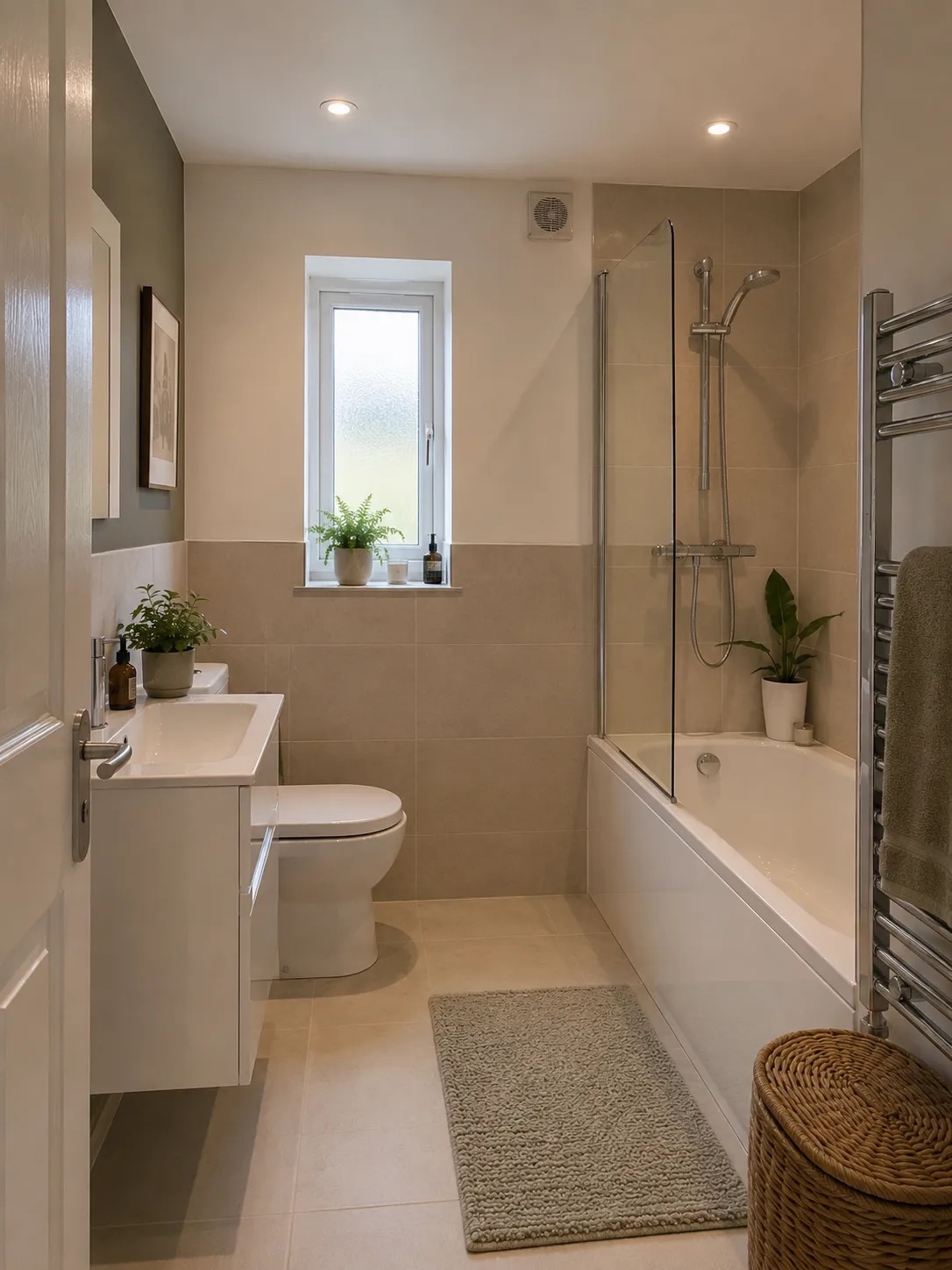
One property project
A complete launch pack
Cleaned property gallery
Upload property photos or import selected Rightmove images, then remove distracting temporary clutter and review every image beside the original.
Property description
Generate clear listing copy from the facts entered by the user.
Social media caption
Create ready-to-post promotional copy for the property.
Property video
Turn the gallery into a polished property video designed for online promotion.
Professional AI voiceover
Add natural narration without recording equipment or editing software.
Downloadable property package
Keep completed assets organised and download the content needed for launch.
Not another collection of disconnected AI tools.
Each property has its own workspace, so the gallery, results and marketing remain together throughout the listing process.
Add the gallery once
Upload photos directly or import selected images from a Rightmove listing, then use the same organised gallery across image preparation, copy creation, video and voiceover.
Review before publishing
Compare cleaned images with the originals and decide exactly which assets should be used.
Write from real details
Taidy builds descriptions from the facts supplied by the user instead of inventing property features.
Return at any time
Keep each property project available when a listing needs a new caption, updated video or another download.
Turn an existing gallery into content people can watch.
Create a bespoke property video from the photographs already prepared for the listing, then add a professional AI voiceover without recording audio or opening separate editing software.
- Create video from the property gallery
- Choose a listing-ready format
- Generate professional AI narration
- Produce content for websites and social media
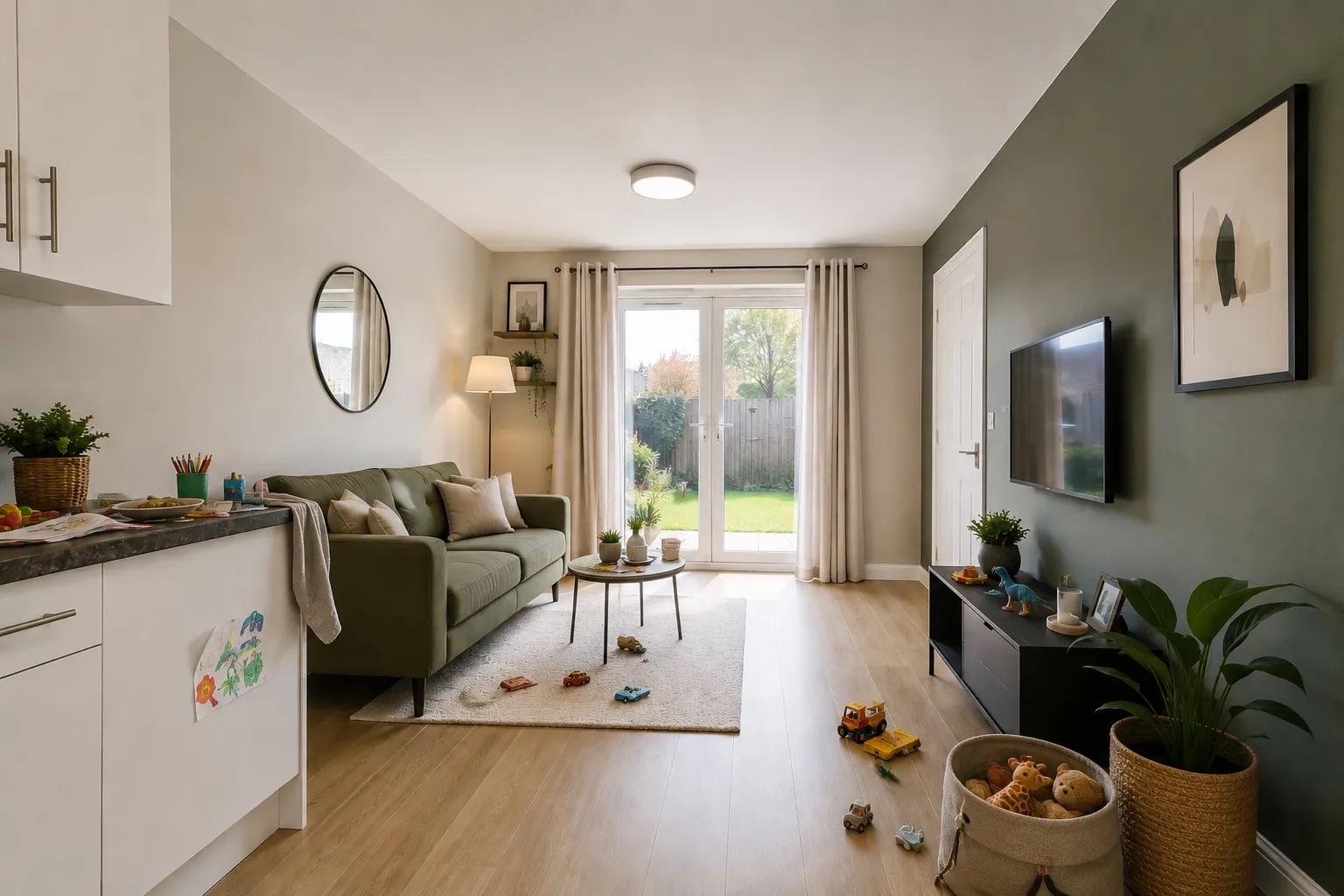
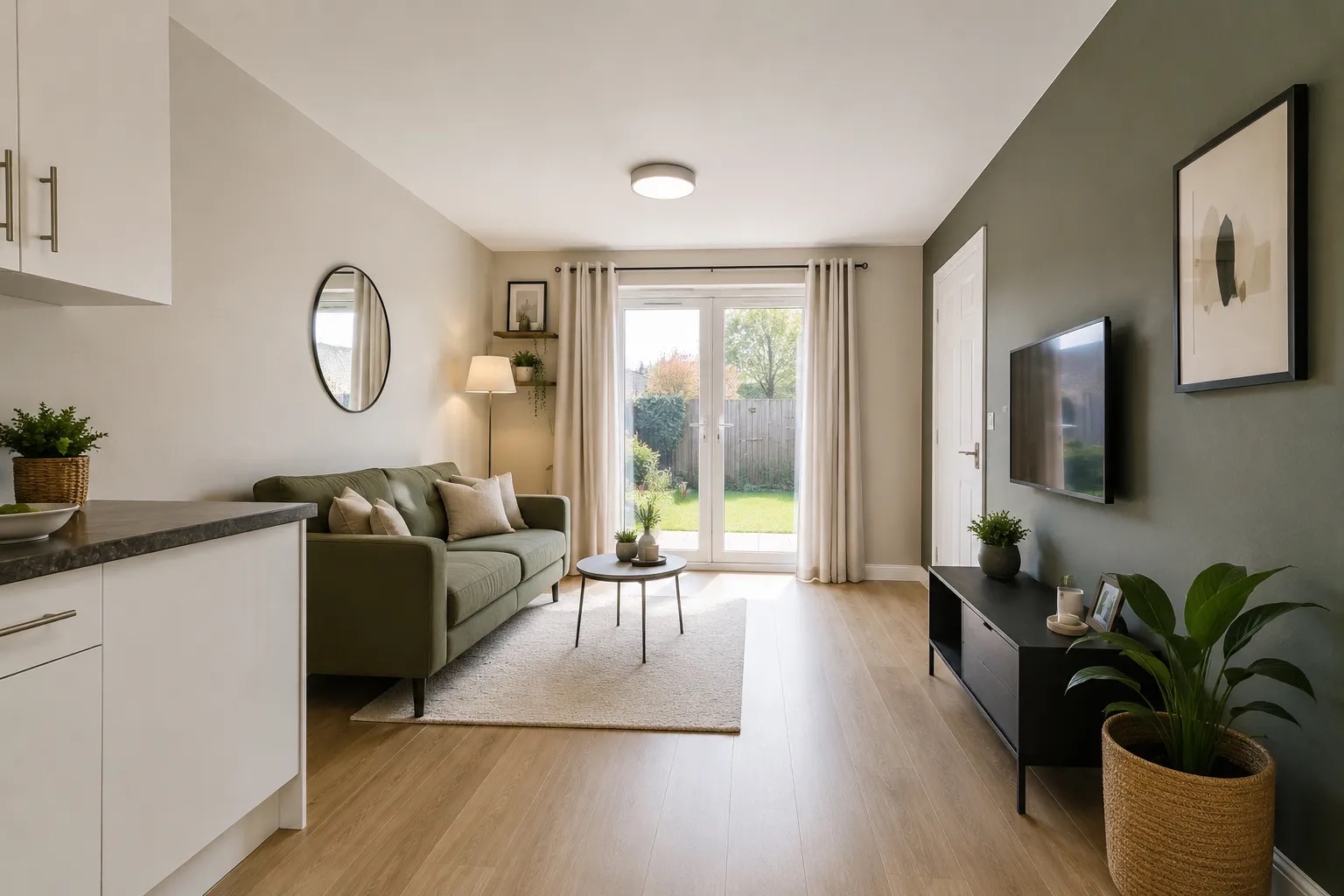
Remove distracting clutter without starting the shoot again.
Prepare occupied properties, rushed listings and rooms that were not fully presentation-ready. Review the cleaned result beside the original before deciding what to publish.
- Batch upload up to 20 images
- Import selected photos from a Rightmove link
- Compare original and cleaned versions
- Download only the results you approve
- Failed processing automatically returns the credit
Move from property details to listing-ready copy.
Enter the information known about the property and create a clear listing description and social media caption without relying on AI to guess important features.
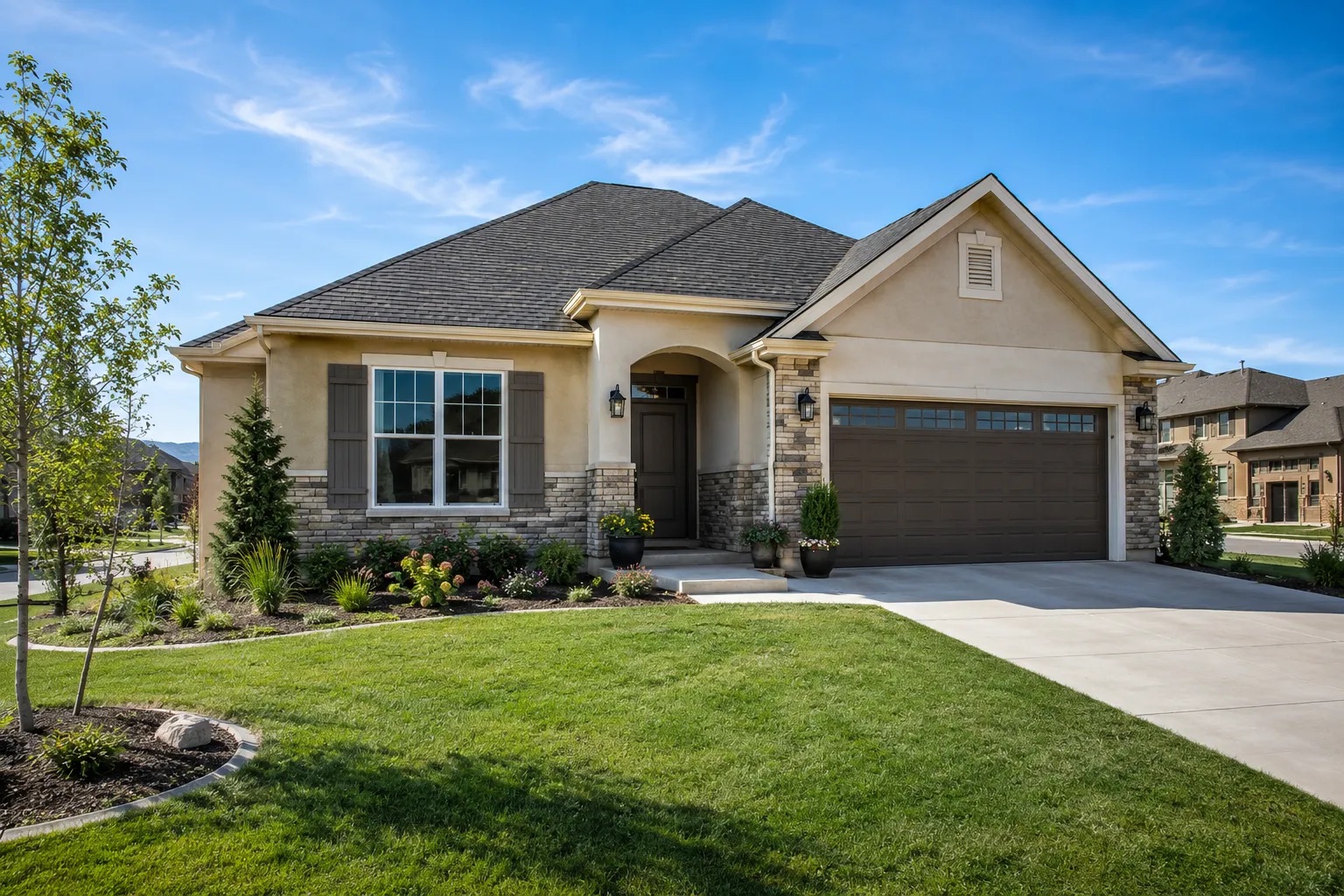
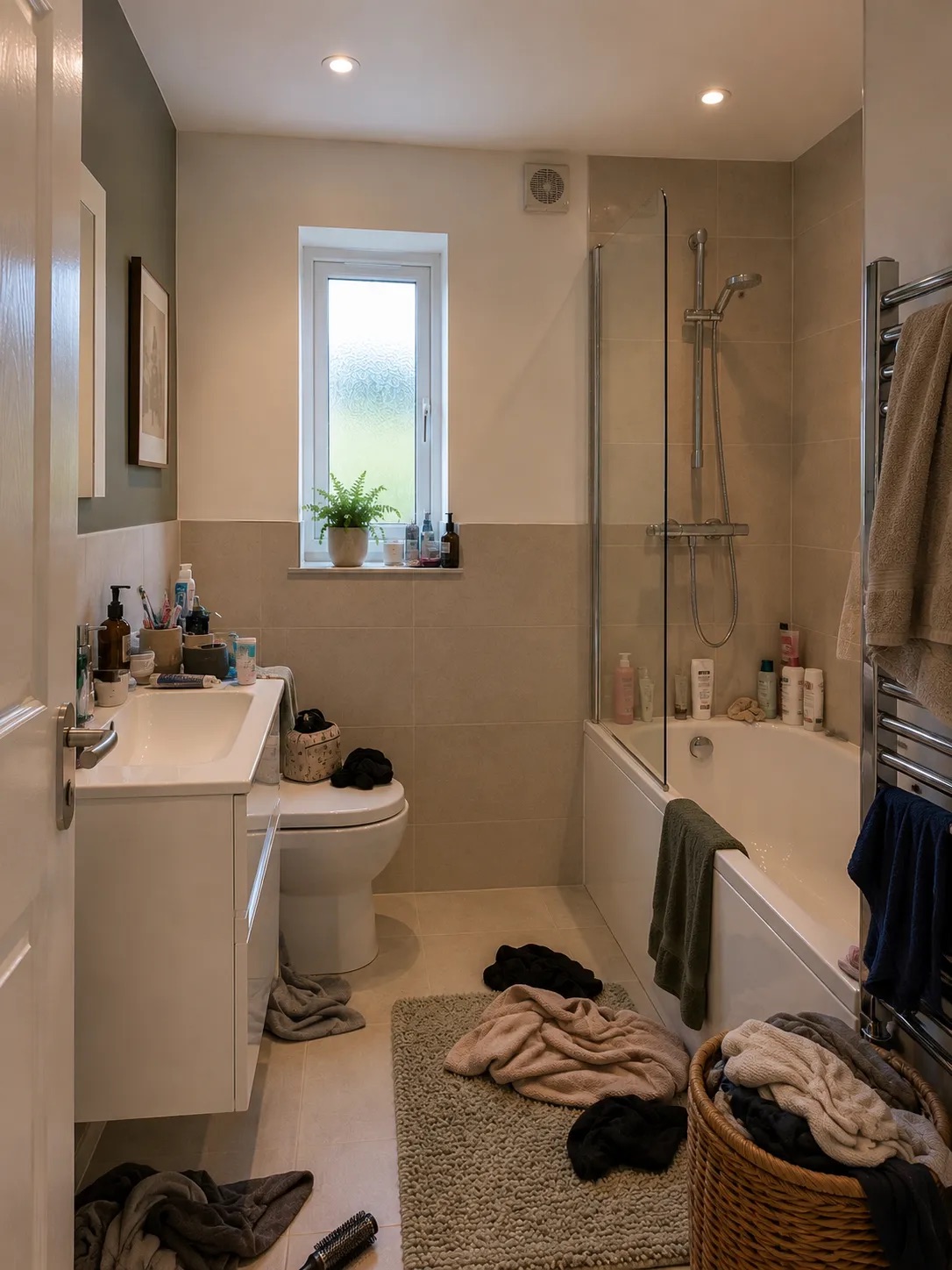
A cleaner gallery makes the rest of the listing easier.
"I've run two rooms through it - the first was a bedroom that was used as storage and it did a perfect job of removing the junk from the room. The second room I used it for was a kitchen that had its surfaces full of clutter. I'm impressed!"
Built for people responsible for getting properties to market.
Create the listing images, written content, property video and narration in one organised workspace.
Start from upload
Add up to 20 property photos directly to the workspace.
Start from Rightmove
Paste a listing link, choose the images to import and keep going.
Independent estate agents
Create consistent listing content without relying on a separate photographer, copywriter and video editor for every property.
Property photographers
Add image preparation, property video, narration and written content to the services already supplied to agency clients.
Self-employed agents
Turn each new instruction into listing content for websites and personal social channels.
Property marketers
Keep the full campaign organised by property and create multiple assets from the same approved gallery.
See the likely cost before you begin.
Credits allow you to use only the tools needed for each property. These examples use the current credit costs in the product and the Professional credit rate.
Larger galleries cost more because each cleaned photo uses 1 credit. A full 20-photo gallery with copy, voiceover and a 15-second video would use 37 credits, approximately $8.63 on Professional.
Choose your credit pack
Buy credits as you need them. No subscription, no recurring charges. Use them across image preparation, written content, property video and voiceover.
Starter
- 50 Flexible Taidy Credits
- Advanced AI Model
- Email Support
- Credits Never Expire
Professional
- 150 Flexible Taidy Credits
- Priority Support
- Credits Never Expire
- JPG/PNG/WEBP Output
Business
- 350 Flexible Taidy Credits
- Private Telegram Support
- Early Access to New Features
- Credits Never Expire
Before you start
Frequently asked questions
Clear answers on uploads, credits and what you can download at the end.
What kind of images work best?
For the best results, use clear, well-lit property photos from a few useful angles. Avoid images that are very dark, blurry or heavily cropped.
Can I upload multiple photos at once?
Yes. You can drag and drop up to 20 photos per upload. Each photo uses one credit when processed. Organise photos by property project to keep everything tidy.
Can I import photos from Rightmove?
Yes. Paste a supported Rightmove listing link inside a property workspace, choose the listing photos you want to import, then prepare them in Taidy.
Does Taidy generate listing descriptions?
Yes. After preparing your photos, you can generate an AI-powered listing description and a ready-to-post social media caption for the property. This costs one additional credit.
How do I download my completed assets?
You can download individual photos or grab a complete ZIP package containing cleaned images, the listing description, social caption and an AI disclosure summary.
Is there a limit to the number of uploads?
Each credit pack includes a set number of flexible credits. You can buy more anytime. Credits never expire.
What file formats are supported?
We support JPG, PNG, and HEIC image formats for upload. Cleaned photos are exported as JPG.